Announcements

  1. The official RADAAR plugin for OpenClaw is now approved!

    New Feature

    We’ve got some exciting news—the official RADAAR plugin for OpenClaw is now approved and officially live on ClawHub! 🎉

    👉 Check it out here: clawhub.ai/radaario/plugins/openclaw-plugin

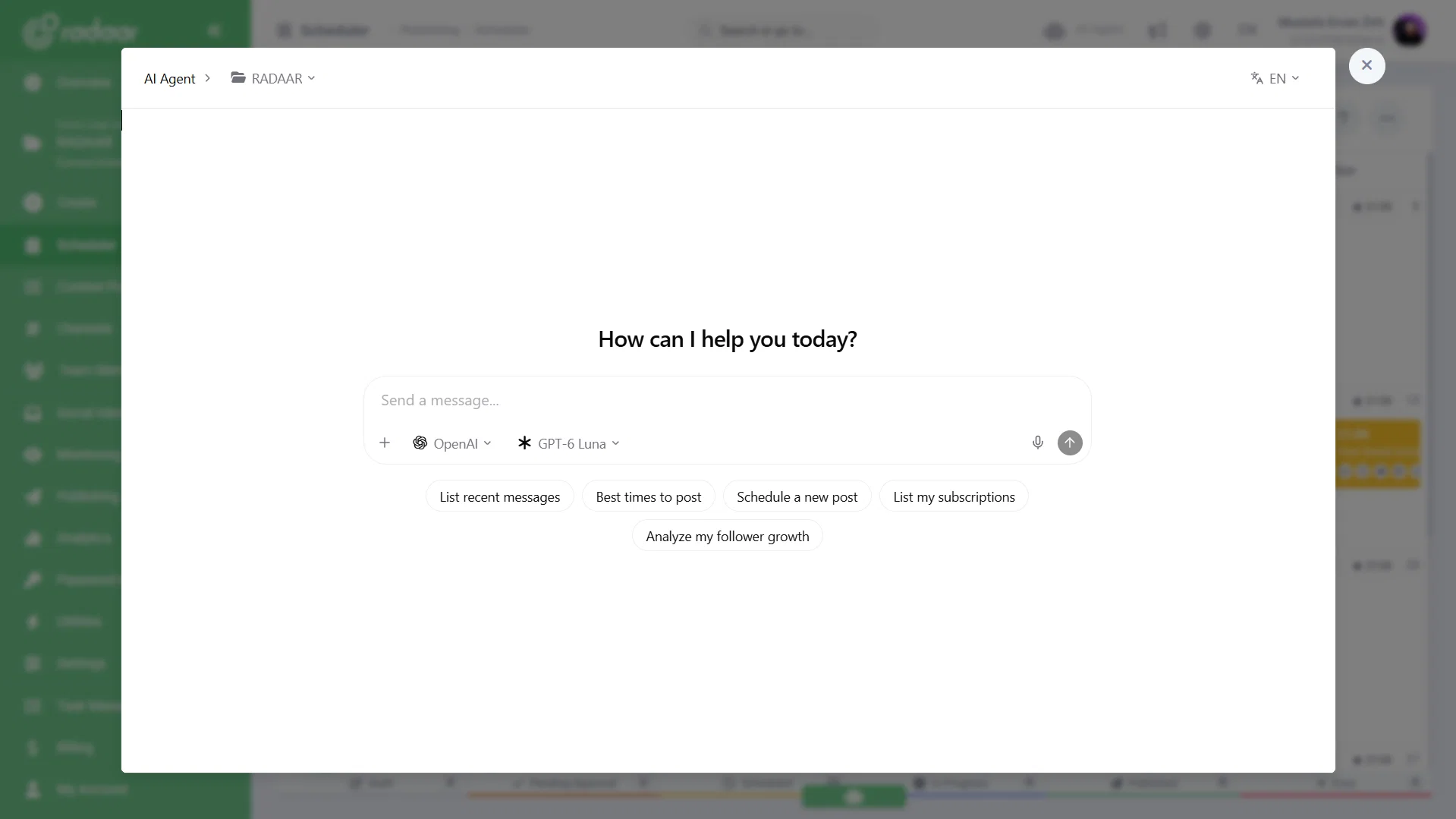
    With this integration, you can connect RADAAR's Model Context Protocol (MCP) server directly to your AI workflows to manage social media scheduling, inbox responses, and analytics seamlessly.

    Since it’s brand new, we’re looking for beta testers! 🚀 If you’re using OpenClaw and want to give it a spin, we’d love for you to try it out and share your feedback with us. Let us know what’s working, what could be better, or what features you’d like to see next.

    Drop a comment below or send us a message if you give it a try. Happy testing! 🙌✨

    Add a comment

  2. Create faster than ever with the new Create button! ➕

    Improvement

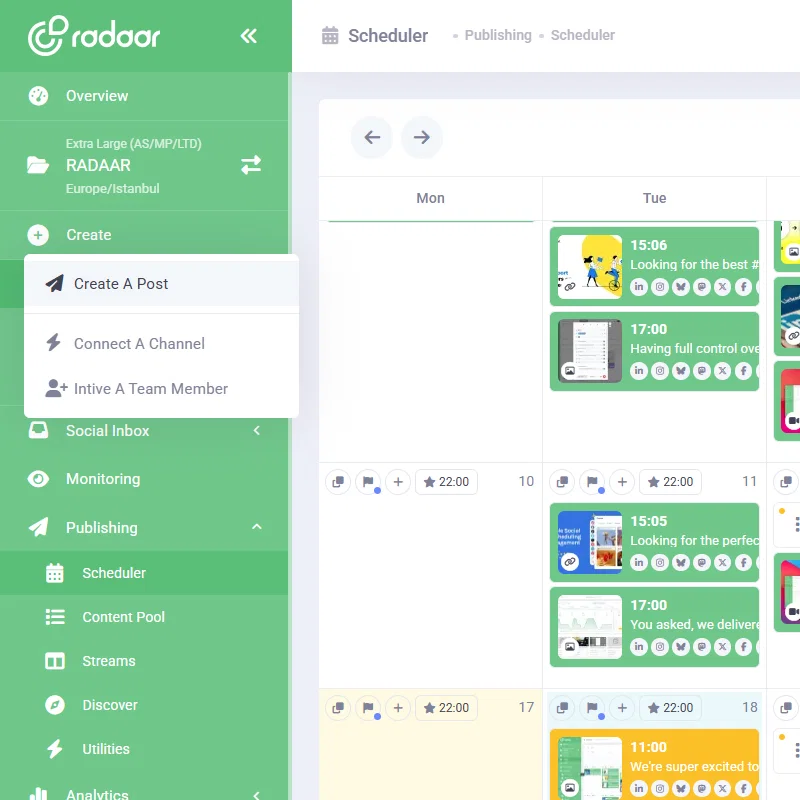
    We’ve made taking action in RADAAR even faster! With our new persistent Create button permanently located right at the top of your left sidebar, core actions are always just one click away, no matter where you are in the app.

    With a single click, you can instantly:

    📝 Create A Post: Draft and schedule content without navigating away.

    🔌 Connect A Channel: Link your social accounts in seconds.

    👥 Invite A Team Member: Bring your teammates onboard seamlessly.

    Everything you need to kickstart your work is now centralized in one handy quick-access menu. Give it a spin today and speed up your daily workflow! 🚀

    Untitled-2

    Add a comment

  3. We're opening our MCP Server to beta! 🛠️

    New Feature

    We’ve been working on our MCP server behind the scenes for a while now, and it’s finally ready for action! We’ve completed our internal tests and submitted it as an official integration to the platforms.

    Since the official approval process is taking longer than expected, we didn't want to keep you waiting. You can now jump in and start testing it out in public beta by connecting it manually!

    Give it a try and let us know how it goes—all feedback, good or bad, is super welcome! We’ll keep refining the tool and updating our help docs based on your questions and findings: https://www.radaar.io/resources-121/knowledge-base-538/does-radaar-support-model-context-protocol-mcp-19455/#content

    Add a comment

  4. Keep your go-to tools handy with feature pinning 📌

    New Feature

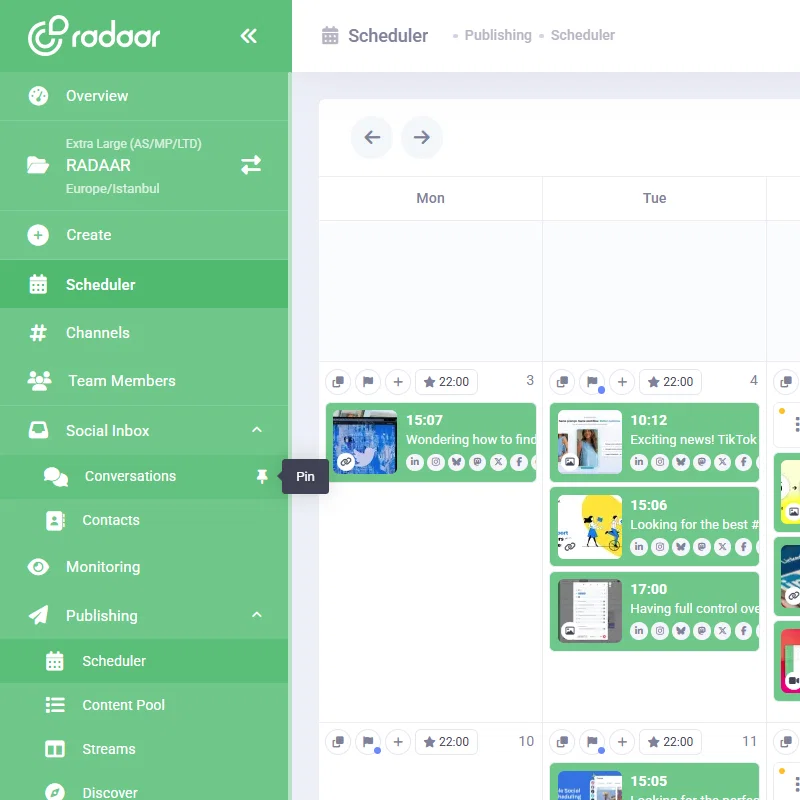
    We’re super excited to share our latest update with you! You can now customize your RADAAR left sidebar menu by pinning your favorite and most-used tools right to the top.

    No more searching through menus for the features you use every day—just pin them once, keep your workspace clutter-free, and boost your daily workflow.

    Give it a try today and build a workspace that works best for you! As always, we’d love to hear what you think, so feel free to share your thoughts with us.

    Happy scheduling! 🚀

    Untitled-1

    Add a comment

  5. X Analytics has landed on RADAAR! 🔥

    New Feature

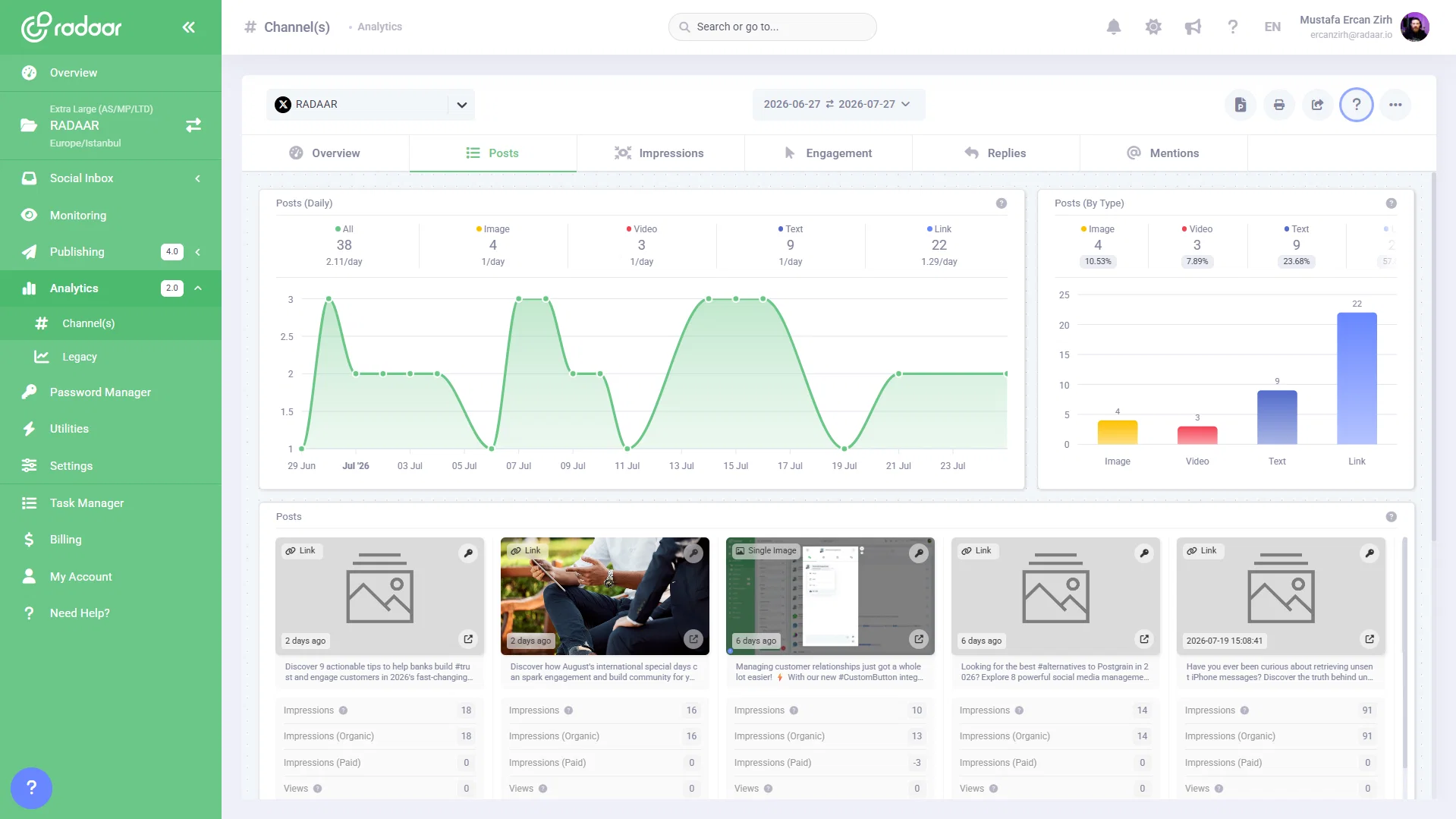
    You asked, we delivered! You can now pull full data reports for your X (formerly Twitter) profiles directly within RADAAR Analytics.

    Track your performance, uncover key growth metrics, and make smarter content decisions without ever leaving your dashboard.

    Give it a spin and see how your posts are performing! ✨

    Screenshot 2026-07-27 134643

    Add a comment

  6. Level up your publishing game with enhanced Advanced Settings! 👋

    Improvement

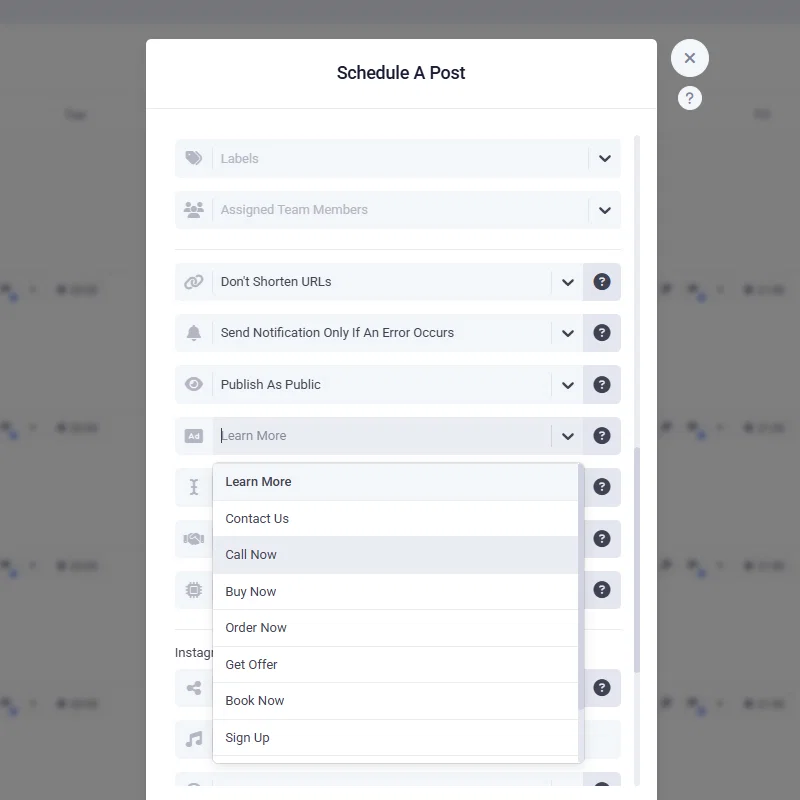
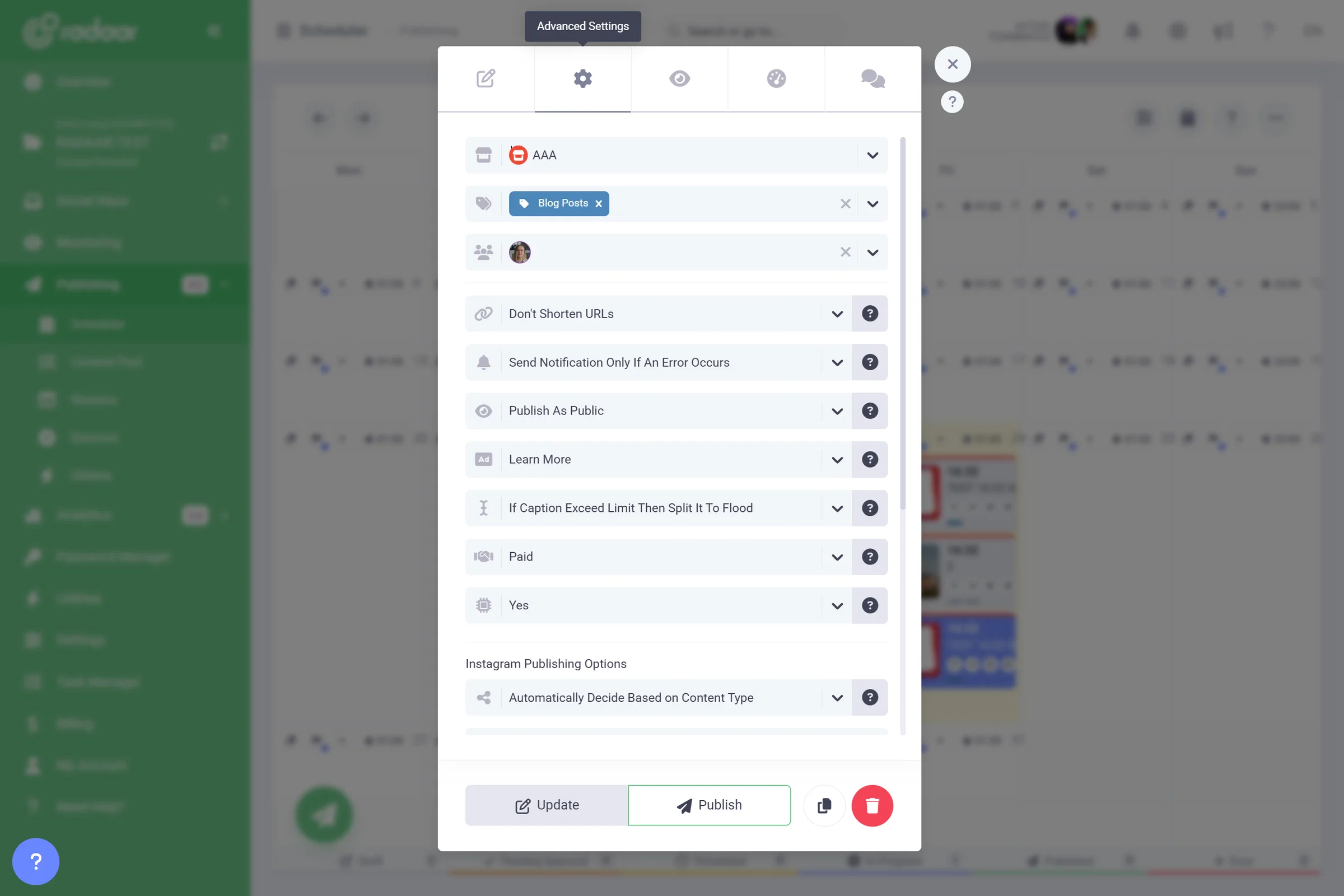
    Having full control over your social media posts shouldn't feel like a treasure hunt. That’s why we’ve relocated Advanced Settings in the Post Editor to a much more intuitive spot, making your workflow faster and smoother.

    Here is what’s new at a glance:

    📍 Better Placement: Easily find Advanced Settings right when you're editing.

    🤖 Is AI Generated: Keep your audience and algorithms informed effortlessly.

    🤝 Sponsorship: Manage sponsored posts with full transparency.

    📈 Trial Reels Graduation Strategy: Optimize your Reels reach with smarter strategies.

    Give it a try on your next post and let us know what you think!

    Screenshot 2026-07-24 163444

    Add a comment

  7. Bulk Modify is here to save your time!

    New Feature

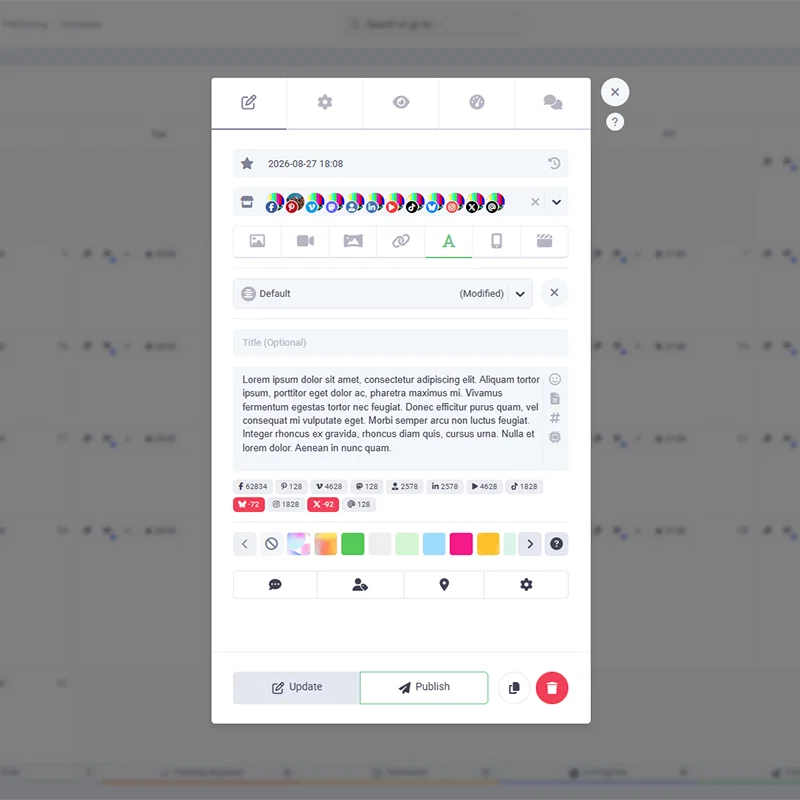
    Managing multiple posts just got a whole lot easier! With our brand-new Bulk Modify feature in the Scheduler, you can now update the status, channels, labels, and assignees for multiple posts all at once. No more editing posts one by one—just select, tweak, and get back to creating awesome content. Head over to your Scheduler and try it out today! ✨

    Untitled-1

    Add a comment

  8. Connect RADAAR to your CRM with just one click! 🚀

    New Feature

    Managing customer relationships just got a whole lot easier! ⚡️ We know how crucial it is to keep your CRM updated with valuable leads and conversations from social media. That’s why we’ve introduced the Custom Button integration!

    Now, you can seamlessly connect your own CRM under Settings / Integrations. Once configured, you can export selected messages and contact details from your Social Inbox directly to your CRM with a single click.

    No more manual data entry. No more missed leads. Just pure efficiency. ⚙️ Head over to your dashboard, set up your Custom Button, and streamline your workflow today!

    Screenshot 2026-07-20 161125

    Add a comment

  9. Facebook Page analytics are back and better than ever!

    Improvement

    We have some great news! As you might know, Meta recently made some major updates to the Facebook API, changing several metric names. Because of these sudden changes, our Analytics feature was temporarily unable to generate reports for Facebook Pages.

    But we didn’t waste any time! Our team has fully adapted to Meta's latest documentation and updated our system. We are thrilled to announce that Facebook Page Analytics are now fully restored and ready to use.

    Thank you so much for your patience and understanding during this brief interruption. Head over to your dashboard now to check out your latest insights!

    Add a comment

  10. Meet Klipy: Millions of GIFs & Clips, Right Inside RADAAR!

    New Feature

    Say hello to your content creation's new best friend! We are thrilled to announce our brand-new Stock Library integration: Klipy! 🎉

    No more switching tabs, downloading files, or disrupting your workflow. You can now browse, search, and discover Klipy’s massive archive of trending GIFs and short video clips without ever leaving RADAAR. Find the perfect visual to match your brand's vibe, select it, and schedule it to your social media profiles in just a few clicks.

    Ready to level up your social media game with some extra flavor? Log into your RADAAR dashboard today and explore the power of Klipy!

    Untitled-3

    Add a comment